
 starfallsmp.xyz
 Join our Discord
Subscriptions Help
To manage your existing subscriptions, please follow the instructions below:
1. Visit Tebex Self-Service Portal
Go to the following URL: https://checkout.tebex.io/payment-history/login
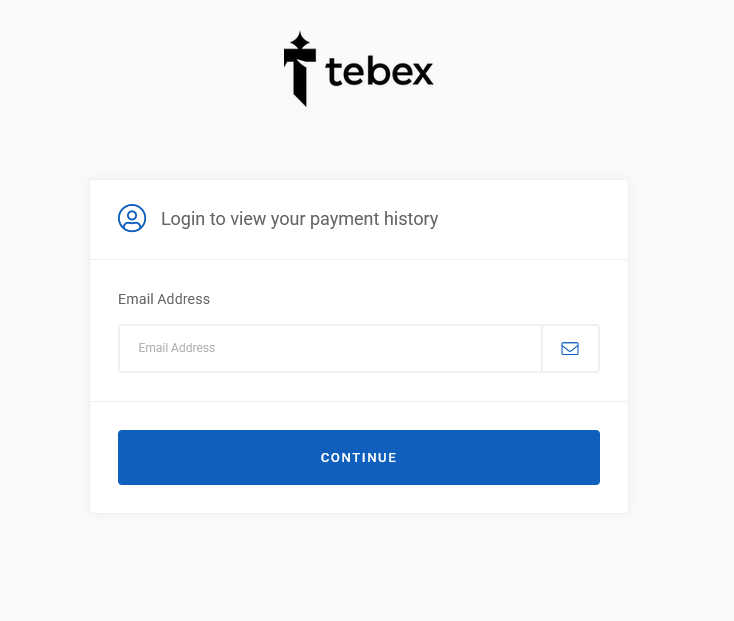
2. Enter Your Associated Email Address
Ensure you enter the email address that you originally used when setting up the subscription. If you’ve lost access to this email, or you can’t remember it – please contact us on our discord server to help.
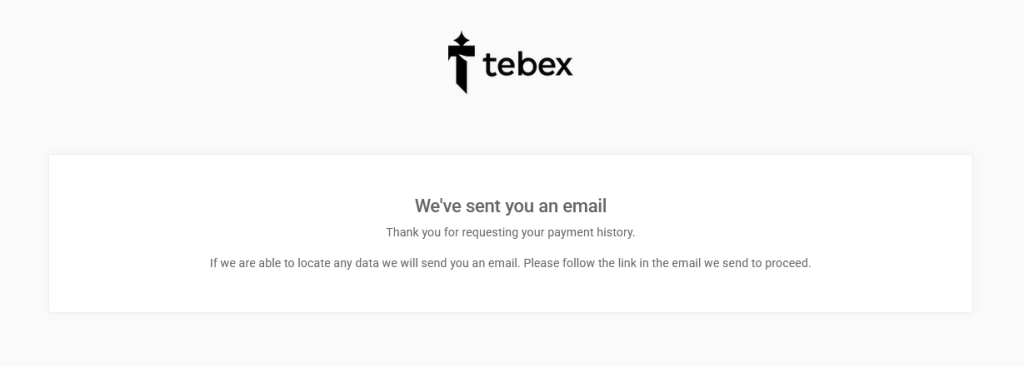
3. Check Your Email for Login Link
Log into your email – if the email you entered has been used on the tebex store system, you will receive a login code. Click the View Payment History button within the email message – in order to continue the process.
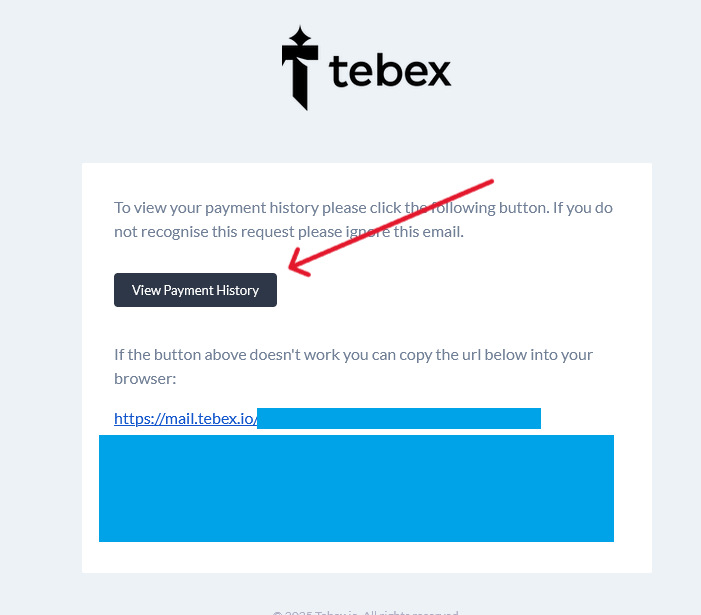
4. Go To Your Subscriptions
Once you arrive on the page, you should see a payment transaction history. Look along the top bar of the page and click the subscriptions link.
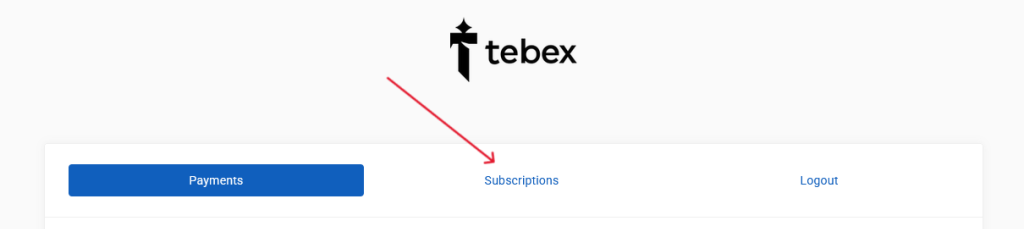
5. Manage Your Specific Subscription
You should now see a list of past or active subscriptions, to the right you are able to then manage / change your payment method or cancel your Starfall SMP subscription.